.png)
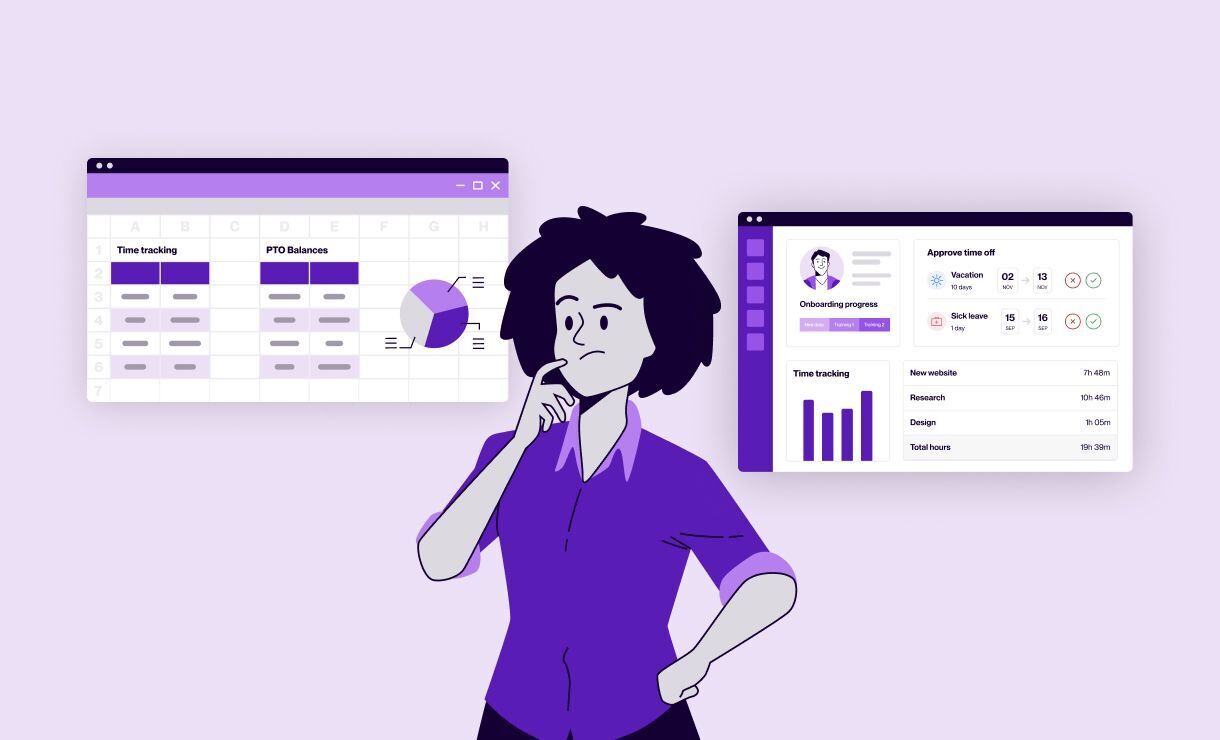
Most HR teams start in spreadsheets. They’re free, and they work fine when you’re small. Then the team grows, the tabs multiply, and you spend more time formatting columns than helping people.
You’re trying to keep employee records, leave, and onboarding under control. But the data is spread across different files, updates get missed, and no one is sure which version is current. You end up slower to answer basic questions, and less confident the numbers are right.
This guide breaks down HRIS vs spreadsheets in plain terms. You’ll see what actually separates the two, the signs you’ve outgrown manual tools, and when compliance or growth makes switching worth it. It also shows how to move without breaking what already works.
Key takeaways
- An HRIS is a single connected system for employee data; spreadsheets are separate files that can fall out of sync.
- The main signs you need an HRIS are scattered records, slow answers, missed leave requests, and reporting you don’t fully trust.
- Growth adds pressure in stages, from early data chaos to administrative overload and, later, a management gap.
- Compliance and audit risk is often the strongest trigger to switch, especially under GDPR.
- Fix ownership and process first, because software can automate a good process just as easily as a bad one.
What the HRIS vs spreadsheets difference really comes down to
A spreadsheet stores data in separate files that you update by hand.
A Human Resources Information System (HRIS) is one connected platform. It keeps employee records, leave, documents, and reporting in sync, with built-in roles and permissions.
Spreadsheets create a deeper problem than messy formatting. When records are scattered across manually maintained files that nobody owns, no one can say which version is current. A single source of truth, one system that owns employee data, is what fixes that. That’s the heart of the HRIS vs spreadsheets question.
As Joanna Augustyn, People Operations Specialist at Tellent, puts it, “employee data is the foundation.” When that foundation is wrong, the error shows up later in payroll, benefits, and reporting. A central employee record maintains a single accurate version.
Here’s how the two compare on the tasks HR teams handle every week.
| Task | Spreadsheets | HRIS |
|---|---|---|
| Employee records | Separate files, updated by hand | One record, updated once |
| Access control | All-or-nothing folder sharing | Role-based permissions |
| Leave and holidays | Manual tallies and inbox approvals | Balances and approvals in one place |
| Reporting | Rebuilt each time, easy to get wrong | Instant, from live data |
| Audit trail | Hard to reconstruct | Logged automatically |
Signs you’ve outgrown HR spreadsheets
The HRIS vs spreadsheets decision usually starts with signs that feel familiar. You can’t quickly say how many people are off next week. A leave request sits in an inbox for days, and the headcount number you pull never feels quite reliable.
There’s a data-quality risk too. Hidden errors in spreadsheets, a mistyped formula, or an out-of-date tab are easy to miss and hard to trace. For employee data, small mistakes travel a long way.
The pressure tends to arrive in stages as you grow. The three below are the ones HR leaders describe most often.
Data chaos (roughly 0 to 20 employees)
Early on, records live wherever they landed first. Some sit on a personal drive, some in email, some in a form no one maintains.
At this size, the goal is easy to state. Get everything out of personal drives and forms into one place that recruiting, payroll, and managers can all read from.
Administrative overload (roughly 20 to 50 employees)
Now, a single generalist can’t keep up with repetitive manual tasks. Onboarding, leave requests, and basic questions eat the day. Automating those routine tasks and giving employees self-service access removes a lot of that load.
Marieke has been there herself:
Multiply that across a normal week, and self-service access is what gives HR that time back.
The management gap (roughly 50 to 100 employees)
For teams past 50, managers need direct access to their team’s information. If every change routes through HR, things slow down, and workarounds appear. Giving managers shared access to their team’s leave and absence data keeps them in control without extra spreadsheets.
Compliance and audit risk: the trigger many teams underestimate
In the HRIS vs spreadsheets comparison, compliance is often what finally forces the switch. Spreadsheets and shared drives don’t give you a full log of who changed what, and folder sharing tends to be all-or-nothing. Old records also linger longer than they should.
Enforcement is real. Data protection authorities across the EU actively penalize organizations that mishandle personal data under GDPR, so weak data practices carry a genuine financial risk.
An HRIS reduces that exposure. You can grant role-based access to only the fields someone needs, set retention and document-expiry reminders, and export an audit log. Manual tracking of hours and valid IDs is, in Marieke’s words, “a manual audit nightmare.”
There’s a security point too. Basic file tools weren’t designed for sensitive employee data, and teams that rely on them tend to be flagged during audits. As Marieke notes, you need to “handle personal data with more security than Google can offer.”
The business case for switching to HR software
In the HRIS vs spreadsheets debate, the most compelling case is time. Automating reminders, leave requests, onboarding steps, and routine requests removes hours of recurring admin work every week. It can also delay or reduce the need to add headcount just to keep up.
The bigger shift is where your team spends its energy.
Reporting is a good example. When data is scattered, it’s hard to be confident you’re “reporting on the right data,” as Marieke puts it. Rebuilding the same spreadsheet each quarter also eats a full day.
What to look for in your first HRIS
For a first-time buyer, the core criteria are ease of use, integrations with payroll and finance, compliance support, implementation effort, and cost. Sort your must-haves from your nice-to-haves before you talk to vendors, so a generic feature checklist doesn’t drive the decision.
A few practical points before you shortlist:
- Take a quick tooling inventory first, since payroll and finance systems shape whether an HRIS reduces manual work or just moves it.
- Choose for future fit so the system grows as your headcount does.
- Expect a wider buying group, because leadership and IT or security usually weigh in once personal data is involved.
Compliance support deserves a specific check. Under the GDPR, employers must keep a record of processing activities, and the under-250-employee exemption doesn’t apply because HR data is processed continuously rather than occasionally.
Ask each vendor how the system helps you meet that duty. For a broader comparison, this guide to choosing HR software walks through the trade-offs.
How to move from spreadsheets to an HRIS
Most of a migration is deciding who owns each step and how data moves between recruiting, people operations, payroll, finance, IT, and managers. Importing the records is the easy part. Handoffs between teams are where things usually break.
So fix the process before you buy.
That order matters, because “you can automate a good process, but you can just as easily automate a bad one,” as Joanna warns. A practical sequence looks like this:
- Map who owns each employee attribute and where the source of truth lives.
- Inventory every spreadsheet, form, and document you use for core HR.
- Agree the handoffs between recruiting, HR, payroll, IT, and managers.
- Migrate your records into the new system.
- Build repeatable workflows so steps don’t depend on one person’s memory.
Be realistic, too. Moving off spreadsheets won’t make every downstream task spreadsheet-free on day one, and some teams still export data for a while. Marieke’s advice: make sure “migration of data is easy and also has a set timeline of what you can expect from your HRIS provider.”
How Tellent HR supports the move off spreadsheets
Tellent HR is a core HRIS that manages employee records, time and attendance, absences, and reporting in a single secure system. It’s built and hosted in Europe on GDPR-compliant infrastructure.
A central employee record becomes the single source of truth every other step reads from. Update someone’s details once, and connected data updates with them across the system.
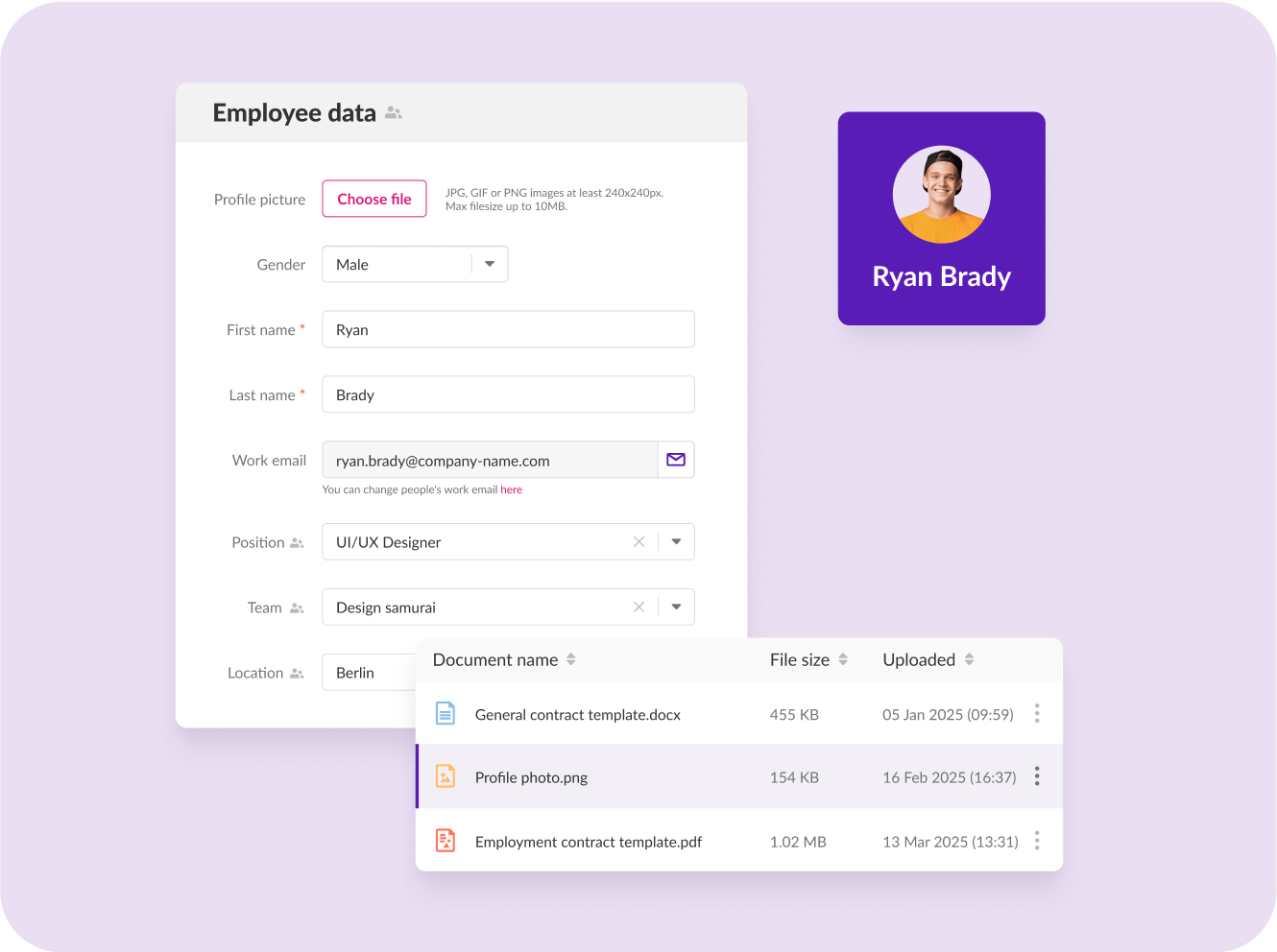
Because Tellent HR connects with Tellent Recruitee, Tellent's applicant tracking system, a new hire’s details flow straight from recruiting into onboarding, so no one re-keys them the moment an offer is signed. That handoff from hiring to HR is often the first place a spreadsheet-based process leaks.
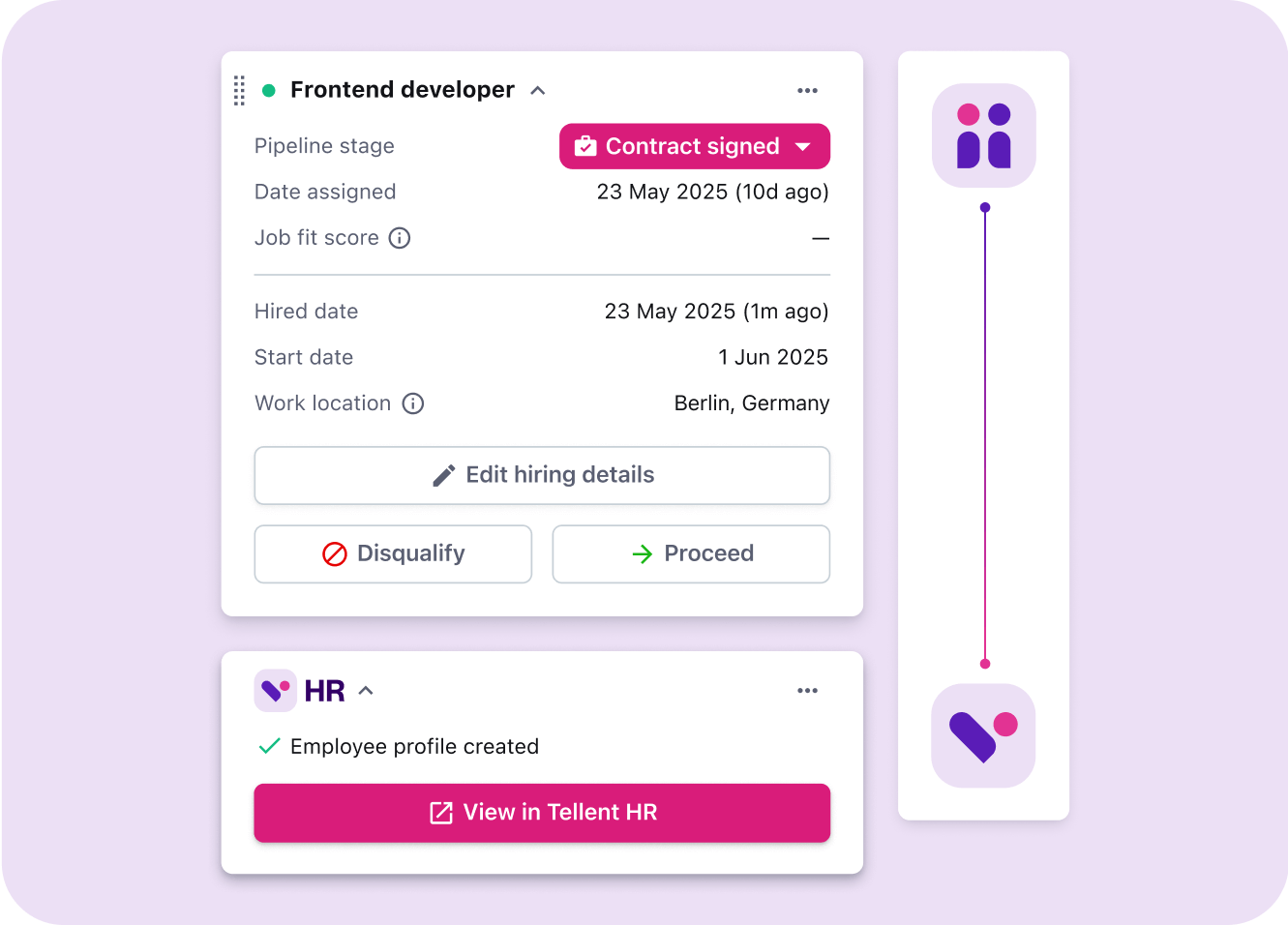
Onboarding shows the shift from personal checklists to repeatable workflows. With Journeys, the workflow triggers the right tasks for employees, HR, managers, and IT, so nothing depends on one person remembering every step.
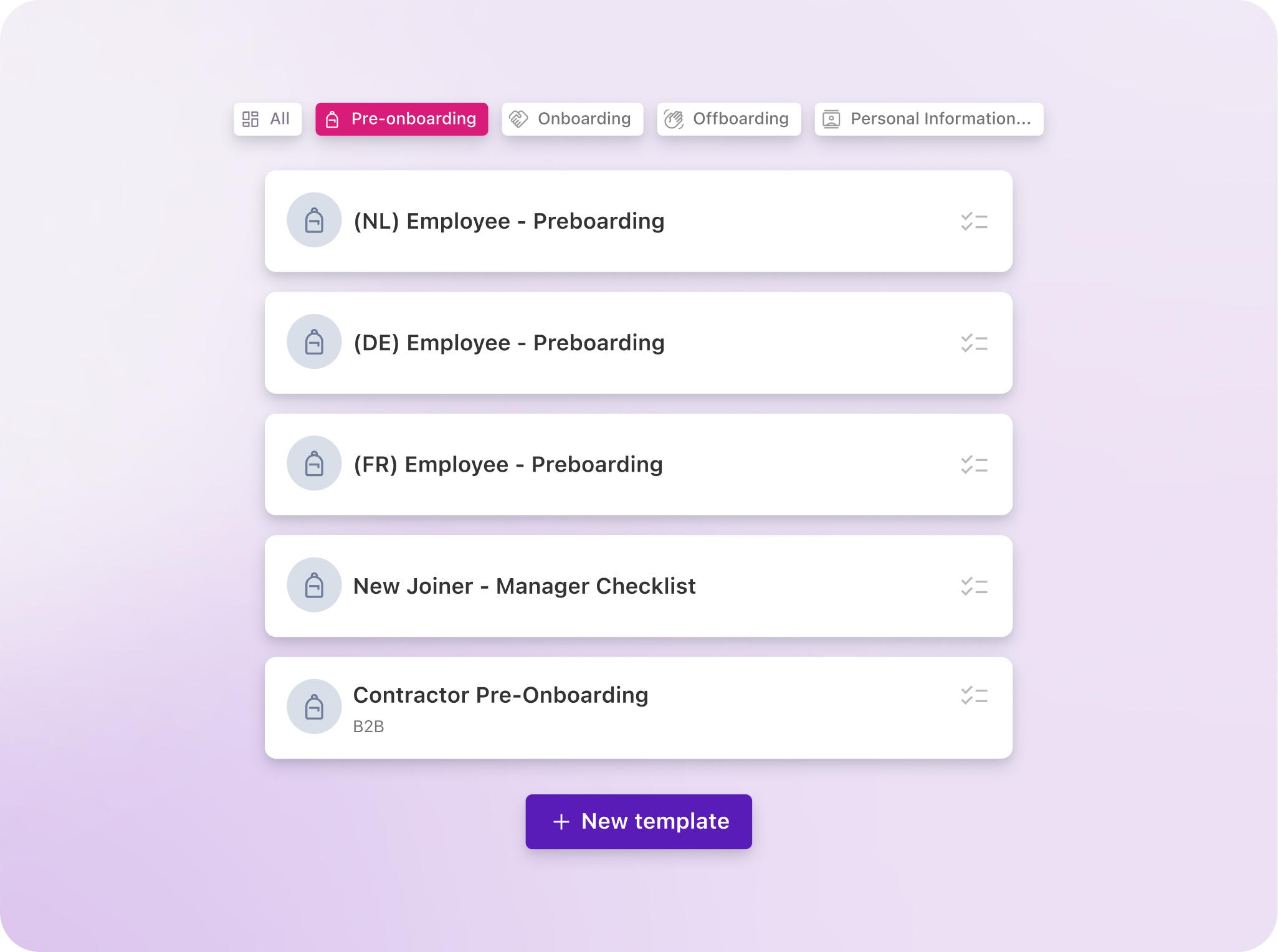
On the compliance side, you can grant role-based access to the fields a person needs. You can also set retention reminders and export an audit log when needed.
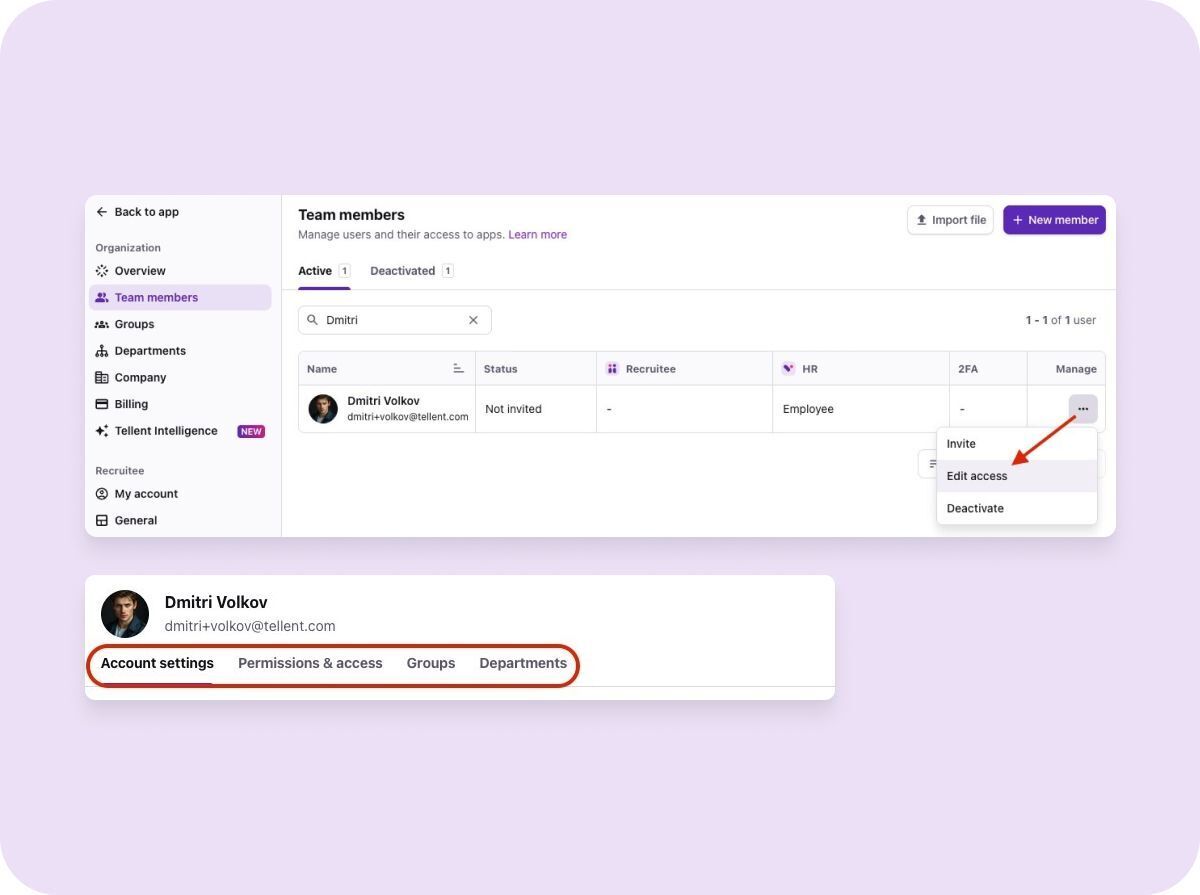
And with absence and leave managed in the same place as employee records, managers see their team’s time off without keeping a side spreadsheet.
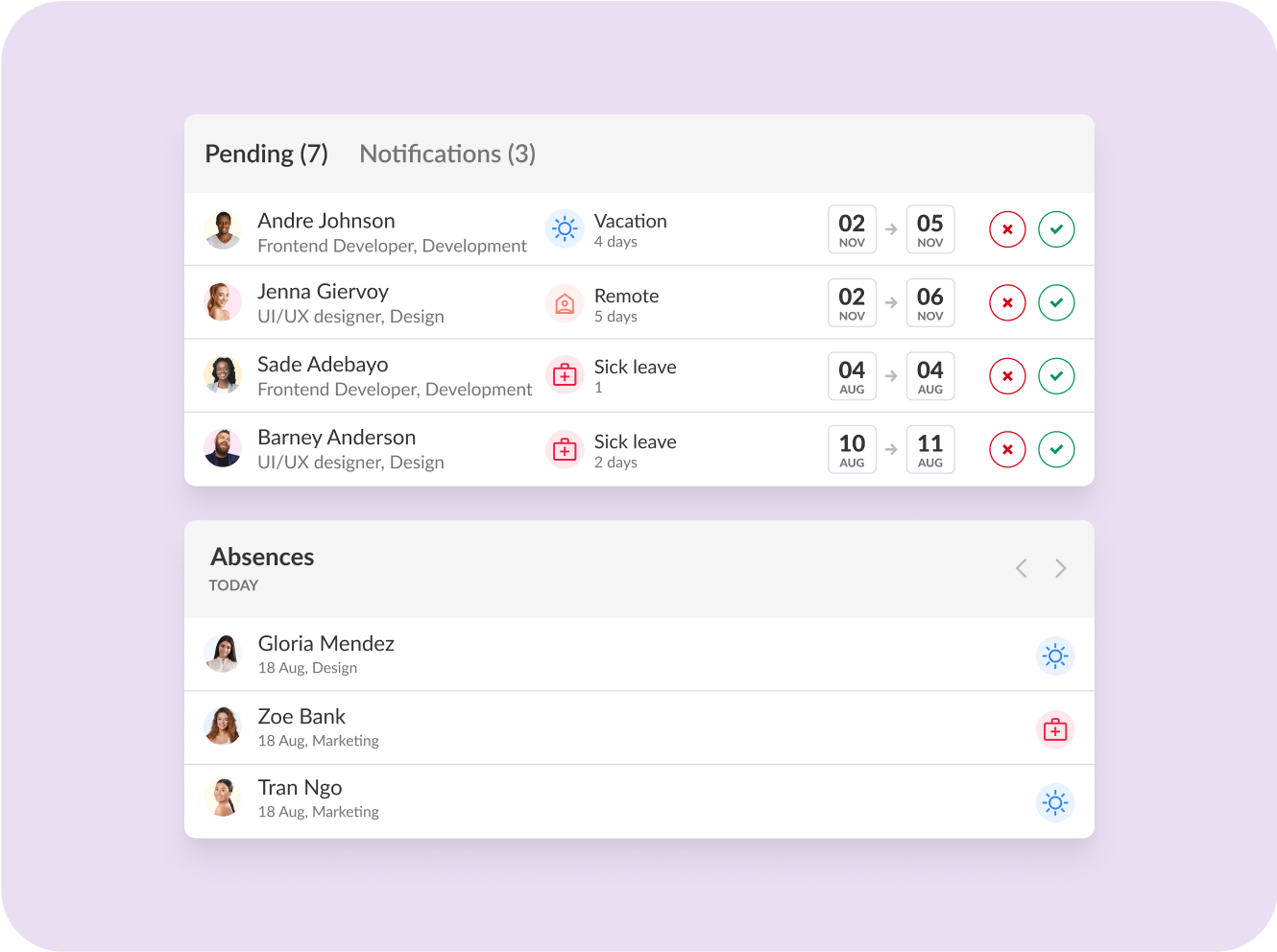
When to make the switch
The HRIS vs spreadsheets decision rarely comes with a perfect moment, but the teams who’ve made the switch rarely wish they’d waited longer. As Marieke reflects: